Military overlays,
drawn to standard.
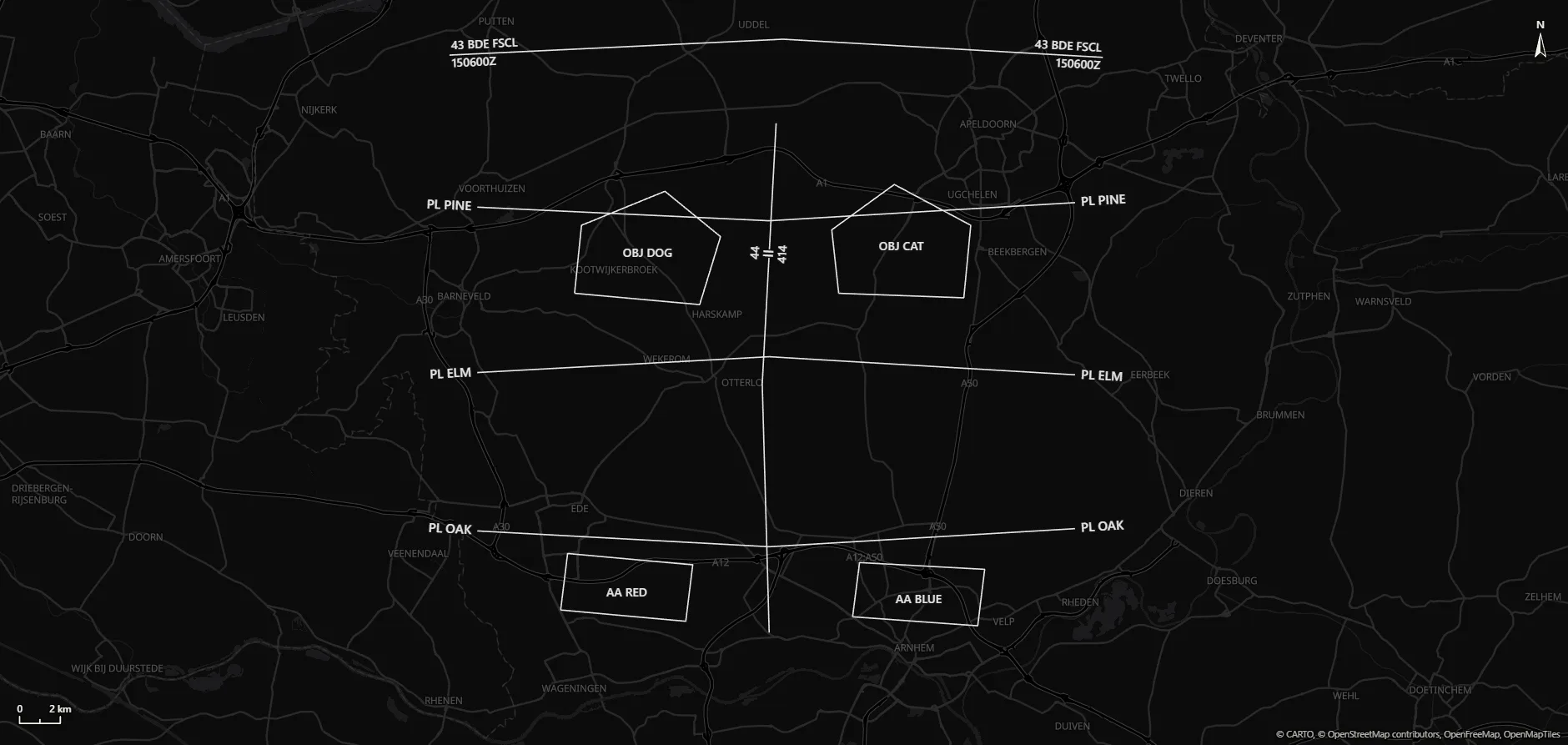
Plan on a fast, modern map with current NATO APP-6 and MIL-STD-2525 symbology. Place units, sketch the manoeuvre and build the ORBAT in minutes.
Plan on a fast, modern map with current NATO APP-6 and MIL-STD-2525 symbology. Place units, sketch the manoeuvre and build the ORBAT in minutes.
No templates to fill in, no menus to dig through. Drawing a scheme of manoeuvre in Veltline feels like sketching on the map, and the result uses the symbology you already know. Try a few symbols right here.
From the library, your recent symbols or a quick search.
Arrows, boundaries and objectives shape themselves around them.
Everything stays editable. Move a point and the graphic follows.
Manoeuvre, fires, enemy: each on its own overlay to show, hide or lock, like acetate on a map.
Lay out the task organisation and drag units onto the map; rename one and its symbol follows.
 43 MECH BDE
 44 MECH INF
 A COYB COYC COY
 414 TK
 1 SQN2 SQN
 41 FA
41 FA A BTYB BTY
 43 RECCE
 1 TP2 TP43 MECH BDE44 MECH INFA COYB COYC COY414 TK1 SQN2 SQN41 FAA BTYB BTY43 RECCE1 TP2 TP
Move units and show graphics per phase, then play the scheme of manoeuvre like a video. Units can follow the axes of advance and routes you drew, along every bend.
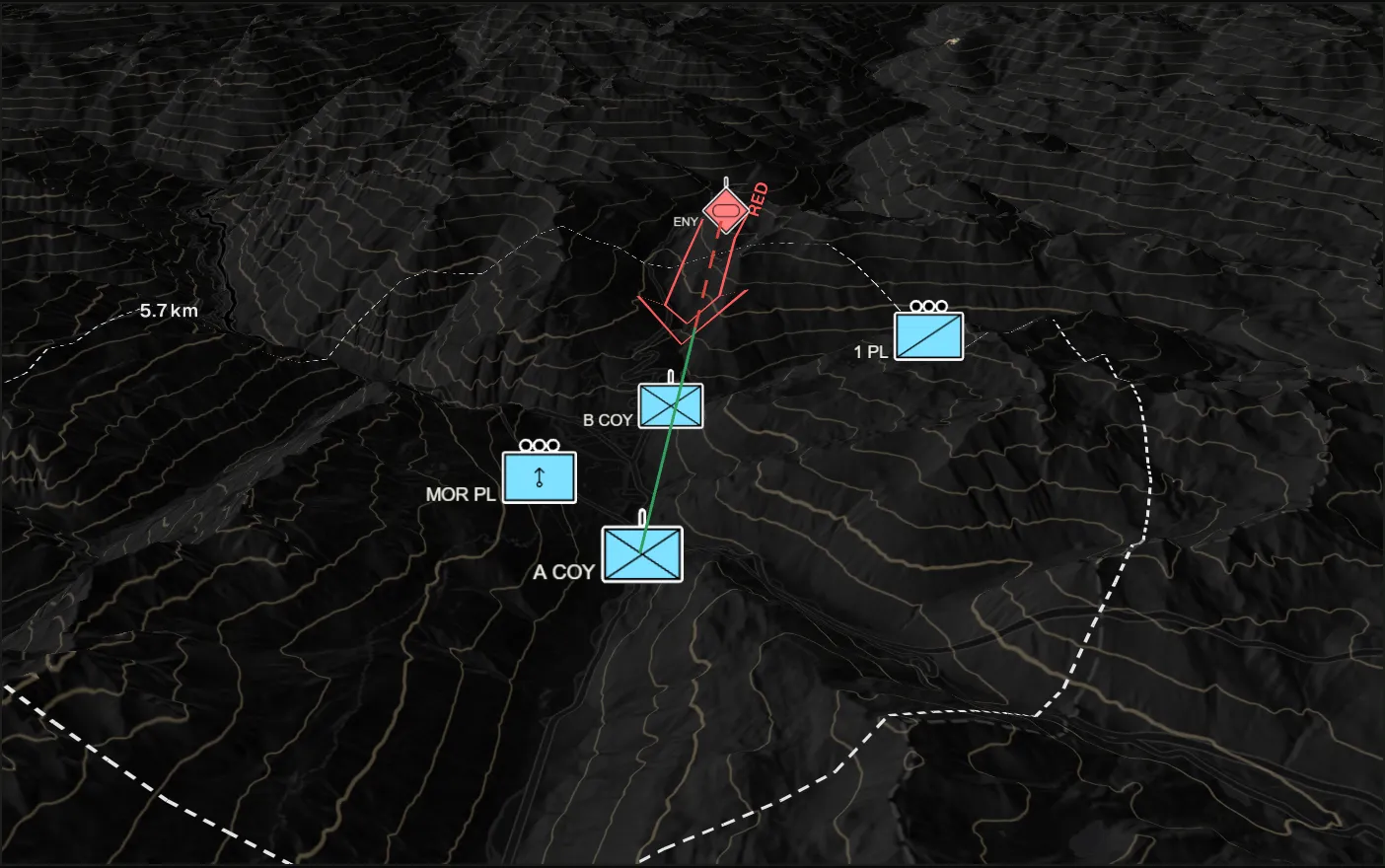
Hillshading, contour lines and 3D terrain, anywhere in the world. Tilt the map to see the ridges and valleys the plan has to work with, and check whether one point can see another over them.
Find anything, place any symbol or fly to a grid reference, without leaving the keyboard.
44 MECH INFInfantry – Armoured43 MECH BDEInfantry – ArmouredC COYPlace InfantryUnit
 Infantry – MotorizedUnit
No account and no server: plans stay in your browser and only leave it as a file you save.
The map and your graphics as an image, a PDF, slides for the brief or pages for the order.